
Closed testing on Google Play
What is happening around you, on a map.
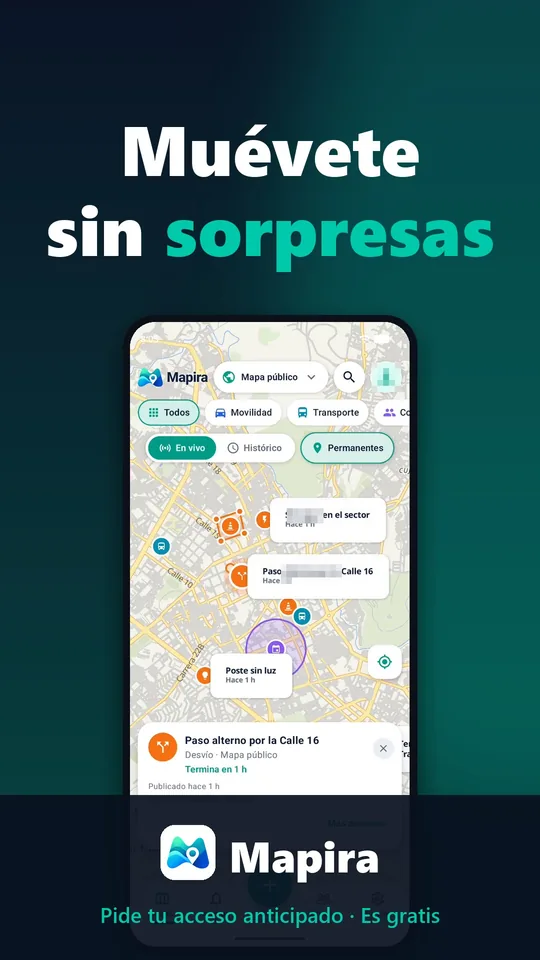
Traffic, road closures, roadworks, events and useful places, posted and confirmed by the community in real time. On the public map or in private groups for your family, your team or your neighborhood.
- Free
- Android
- English and Spanish
How it works
Three gestures and everyone keeps the map up to date.
-
Look
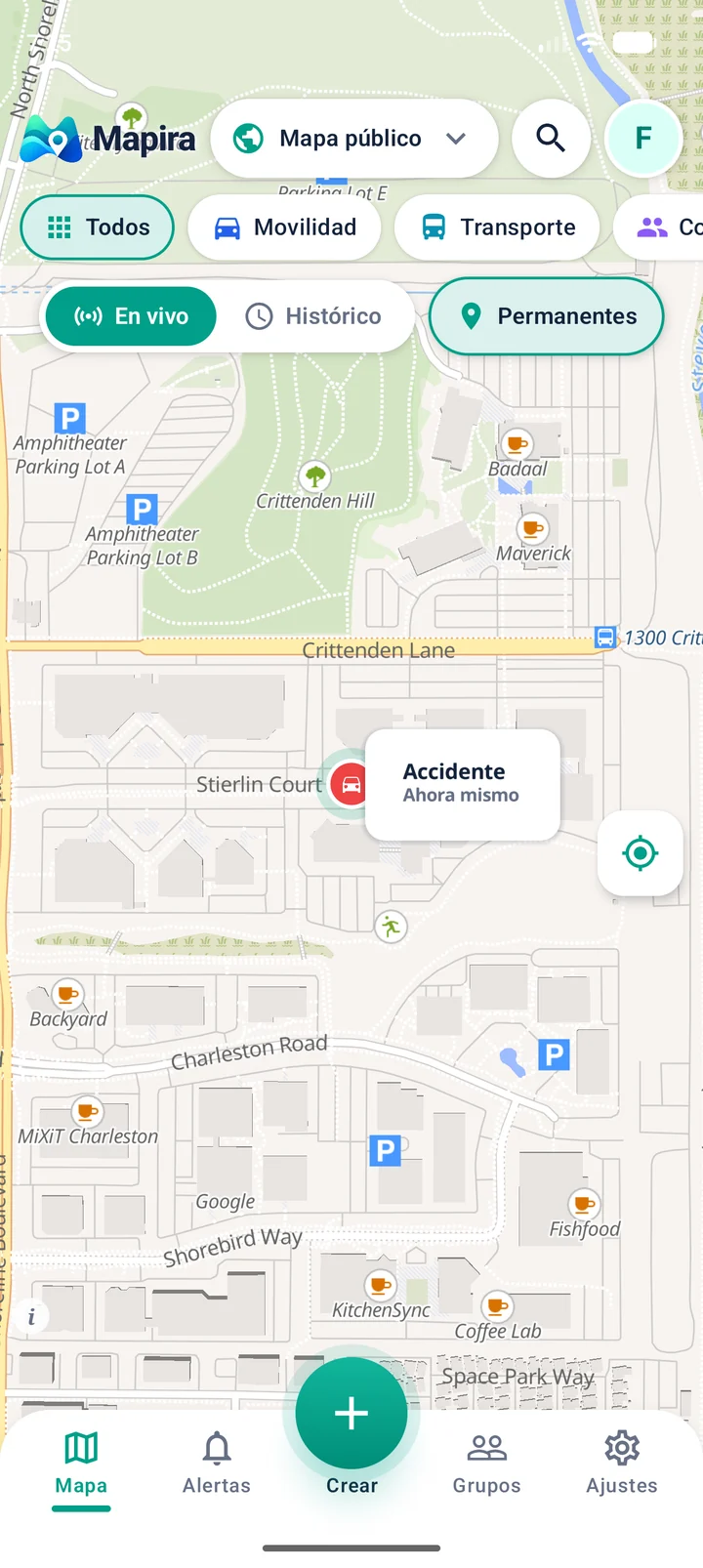
Open the map and see what is happening nearby: traffic, closures, roadworks, events. Filter what matters to you.
-
Post
Tap “Create”, choose what is happening, where and for how long. On the public map or just in your group.
-
Confirm
If you see it, confirm it; if it is gone, mark it. What ends disappears by itself.
Everything that is happening, without the noise
Built to check in seconds and to post in even less.
Real-time map
Posts appear instantly, no refresh needed. And what ends, disappears.
Post in seconds
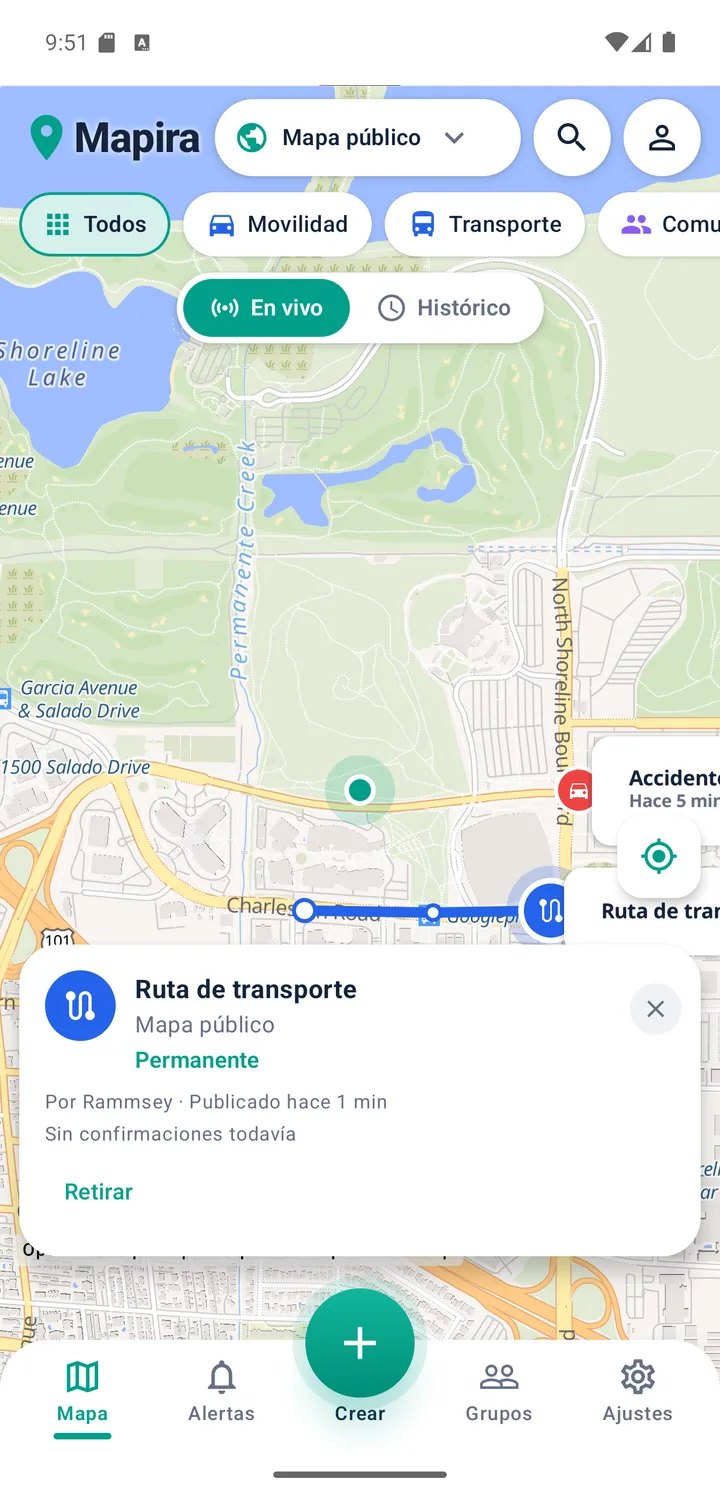
A point, a zone, an area or a route drawn with your finger, with its category and how long it lasts.
Private groups
Maps just for your family, your team or your neighborhood. Invite with a link or a code and choose who posts.
Show me on the map
If you want, your group sees you live on the map, and where you’re heading or pointing. Remove yourself with one tap.
My map and your places
A map just for you with Home, Work and your favorites. Share a place with a link, without posting it.
Directions
From any post or place, open the route in Google Maps with one tap.
Alerts
We notify you when someone posts in your groups, even when the app is closed.
The community confirms
“Still there” or “It’s gone”: everyone keeps the information up to date.
Safe and moderated
Report, block and clear rules from day one. Posts are reports, not absolute truths.
And also
- Your exact location, with a compass
- Live or history of what already happened
- Search streets and places
- Browse the map without an account
- Light or dark theme
- English and Spanish
For your people
One map, many ways to use it.
Family
See each other on the map when you choose to share, save Home and school, and warn each other about a closure before leaving.
Neighborhood and community
Service outages, roadworks, street lighting, meetings and local events, on a map everyone sees and confirms.
Drivers and travelers
Slow traffic, accidents, closed roads and detours posted by people who are there, in real time.
Work teams
A group for your delivery, field or events team: meeting points, routes and notices just for them.
Learn to use Mapira
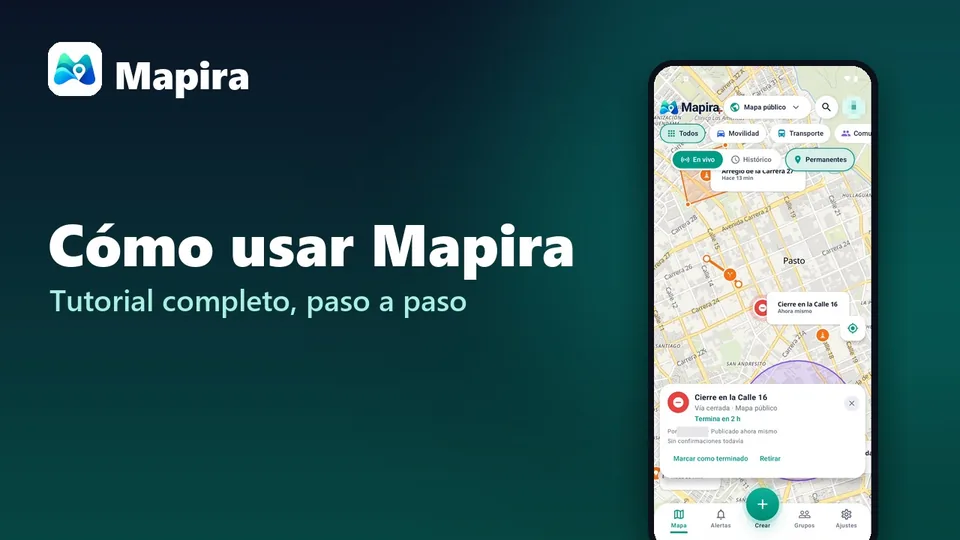
Step-by-step tutorials and short videos on our YouTube channel (in Spanish).
A color for everything
Every category has its icon and color, recognizable at a glance on the map and in the app.
Mobility
- Slow traffic
- Accident
- Road closed
- Roadwork
- Traffic restriction
- Detour
Transport
- Bus stop
- Transit route
- Station
- Pickup point
Community
- Event
- Meeting
- Activity
- Meeting point
Infrastructure
- Road damage
- Street lighting
- Service outage
- Maintenance
Services
- Service point
- Useful place
- Service information
General
- Notice
- Information
- Other
How it looks
Every post with its icon, its color and how long ago.
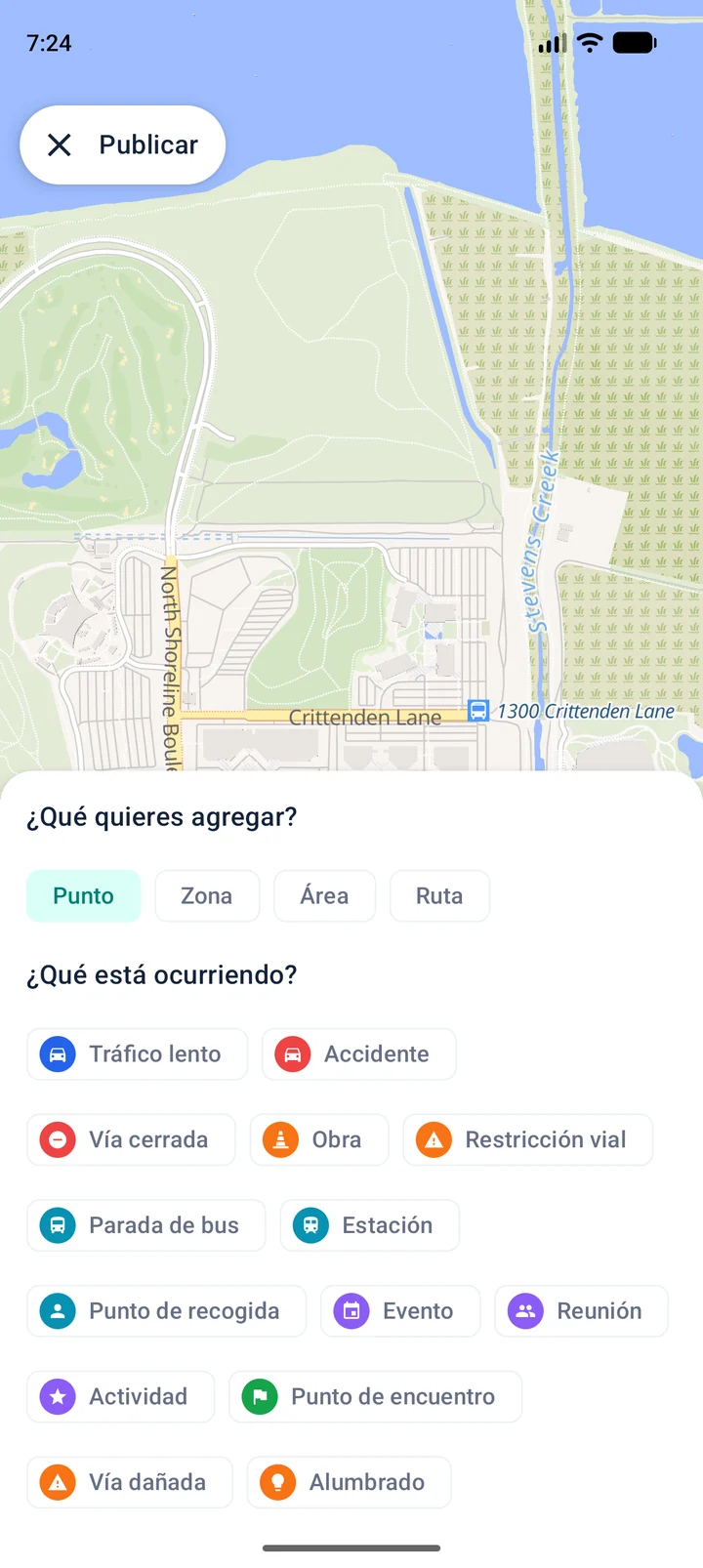
Posting: what, where and for how long.
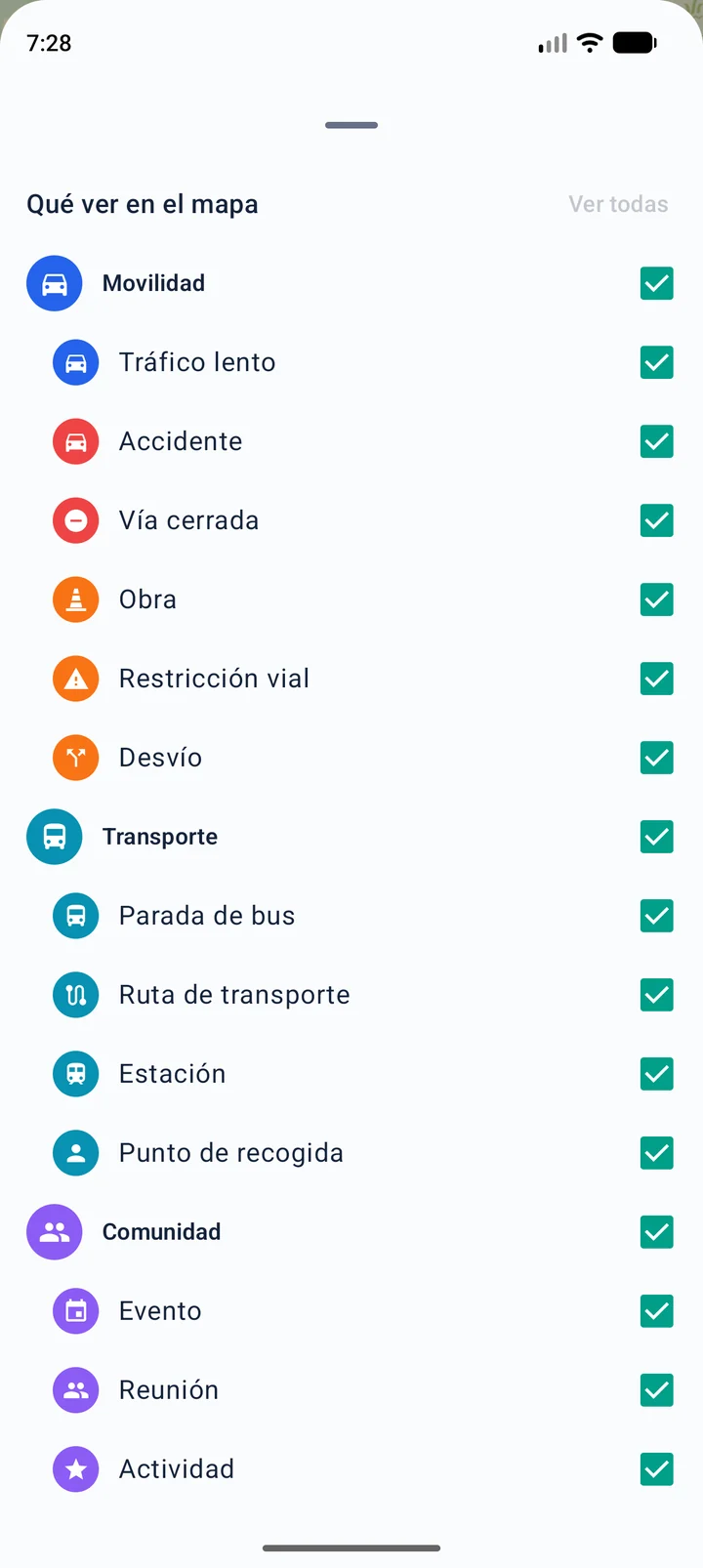
See only what matters to you.
Your location, under your control
Mapira uses your precise location when you tap “My location”, to center the map where you are, without storing or sharing it. Only if you turn on “Show me on the map” in a group do that group’s members see you, along with where you’re heading, and you can remove yourself anytime. You choose on the map what you post, and you can post anonymously on the public map.
- No location history
- No selling of data
- Delete your account in the app
Frequently asked questions
Is Mapira free?
Yes. Later on it may show discreet ads, which you can remove for 24 hours by watching a short video. There are no ads during closed testing.
Do I need an account?
Not to browse the public map: without an account you see what is happening live, search places and open posts. To post, confirm, see the history or join groups, yes, with your email or with Google.
Who sees my location?
Nobody, unless you turn it on. “My location” only centers the map on your phone. If you turn on “Show me on the map” in a group, only that group’s members see you, and you can remove yourself anytime. We keep no location history.
How do I invite someone to my group?
In your group, tap “Create invitation” and share it on WhatsApp or anywhere. Tapping the link opens Mapira; the code can also be typed in Groups → “I have a code”. If you don’t want anyone else to join, the owner turns off “Accept new members”.
Is what people post true?
Posts are community reports, not absolute truths. That’s why anyone can confirm them, mark them as gone or report what breaks the rules.
Is it on iPhone?
For now Mapira is for Android. The iPhone version will come later.
How do I join the test?
Email us from your Google account and we will invite you to the closed test on Google Play.
Coming soon to Google Play
Mapira is in closed testing. If you want to try it first, write to us and we will invite you.